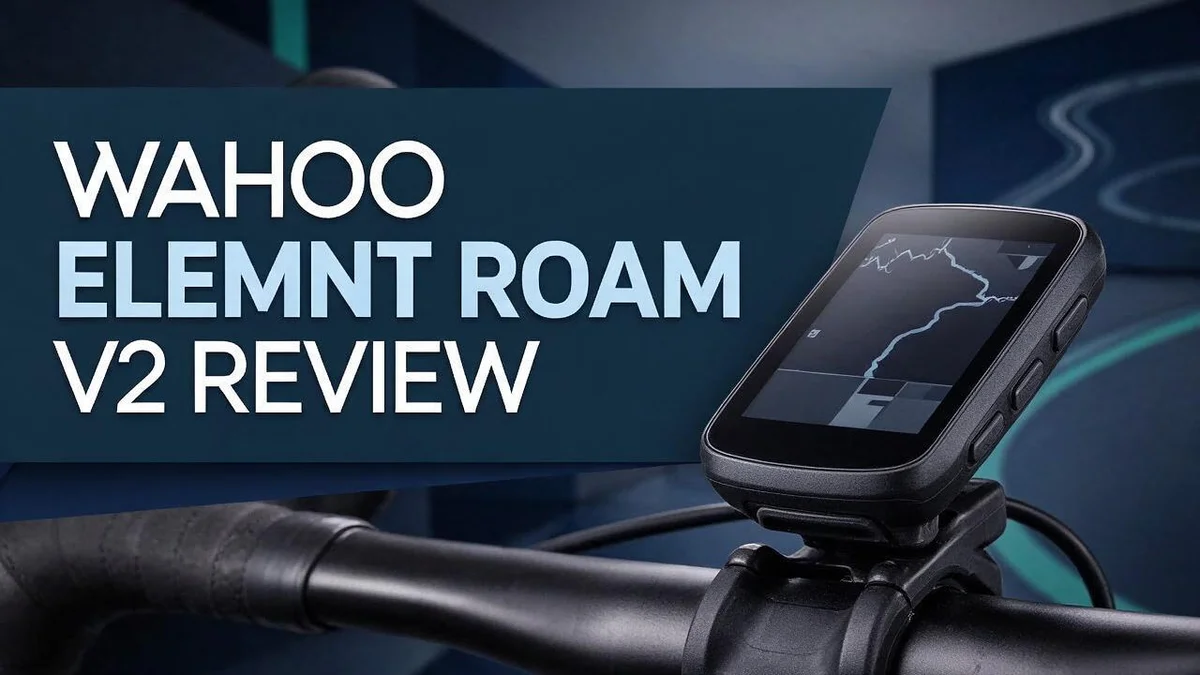
Wahoo ELEMNT ROAM V2 Review: Display, GPS, Navigation and Storage Compared
Are you looking for a bike computer that keeps you on track? The Wahoo ELEMNT ROAM V2 could be the one.
It features a bright 2.7 inch color display that is easy to read on the go.
Riders often ask what sets this device apart. The answer starts with dual band GPS and smart on-device navigation.
Storage is another big upgrade. The V2 offers 32 GB of internal space, which is far more than the 4 GB on the original model.
Still, is it the right choice for you? In this review, we explore the screen, the features, and how it compares to rivals like the Bolt V2 and the Garmin 520 Plus.
In a Nutshell
-
Who this unit suits best: Riders who want clear turn guidance will appreciate the roomy display. Long rides feel easier when the map sits large on the handlebar.
-
Reliable location tracking: Dual band GPS keeps the signal steady in busy cities and under tree lined roads. You get accurate speed and distance data when it matters most.
-
Navigation without a phone: The device guides you through routes on its own. You can leave your phone in your pocket and still stay on course.
-
A clear trade off: The Bolt V2 weighs less and shows sharper colors. Riders who count every gram may prefer that option instead.
-
Modest upgrades: Some reviewers feel the changes are small. If you already own a recent model, the upgrade may feel minor.
-
Overall verdict: This computer fits riders who want strong navigation and easy reading. Shoppers focused on light weight should compare it with rival models first.
Key Features and Specifications

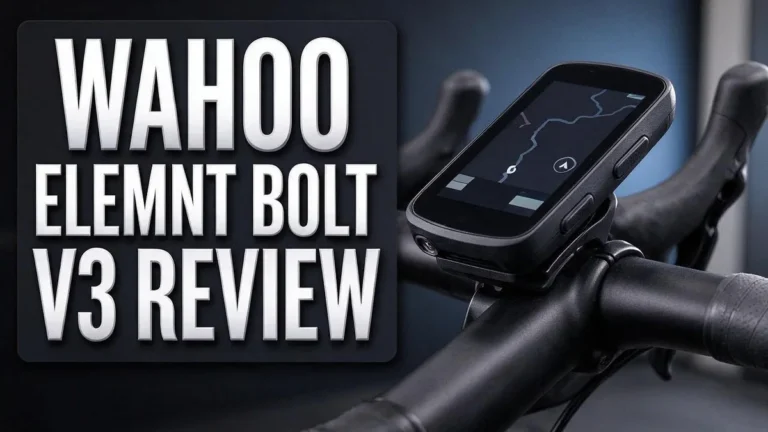
- ON-DEVICE TURN BY TURN NAVIGATION - The ELEMNT BOLT will automatically generate turn-by-turn prompts for routes and...
- AUTOMATIC ROUTE DOWNLOADS and WORKOUT UPLOADS - When synced with compatible accounts (Strava, Ride With GPS, Best...

Last update on 2026-11-25 / Affiliate links / Images from Amazon Product Advertising API
Let’s look at the key specs that shape everyday rides. These details help you decide if the unit fits how you ride.
The unit offers 64 colors on its display. Colors help you tell route lines, map features, and ride data apart quickly. Clear contrast keeps the map easy to read at a glance.
Charging uses a USB C port. Most riders already carry a cable that fits this connection, so you can top up without buying extra gear.
The buttons are convex, which means they bulge outward. This shape helps your thumb find each press without looking down at the device.
Buttons matter more than many people think. On a bike, you often press controls with cold, sweaty, or wet hands. A raised surface gives you a clear target in those moments.
Shoppers often compare button layouts with touchscreen models. Physical buttons give riders consistent control in changing weather, rain, or bumpy roads. This can feel safer when you need quick changes on the move.
Next, start with your own routes. Think about the roads you ride most and the situations you face. Then match each feature to a real ride.
Read spec sheets with a clear goal. Many riders focus on the biggest numbers. Instead, ask which features will change your ride. A bigger number does not always mean a better fit.
For example, a rider who mostly sticks to known roads may care less about extra map detail. A rider who explores new trails may value every visual clue on the screen.
Keep the comparison simple. Write down your top three needs. Then check each spec against that list. This method keeps the decision clear and calm.
In short, the specs here offer solid daily tools. The colors, charging port, and button shape all add practical value to the ride.
Display and Readability
Screen clarity matters most when you ride fast. A quick glance should show your speed, distance, and next turn. This screen aims to make that glance easy.
Sunlight is the true test. Bright sun can wash out weak panels. Check how the screen looks at midday, not just in a shop.
Text size also shapes the experience. Larger numbers help when you scan data at a glance. Smaller labels can slow you down on rough roads.
Map views need room too. A bigger screen shows more of the route ahead. You can zoom out and spot a junction sooner. That helps when you ride unfamiliar streets.
Mounting position changes how the screen looks. A low angle can hide details behind glare. Set the unit where your eyes fall naturally while you ride.
Night rides bring their own challenge. Low light changes how colors look. Too much brightness can distract you at night. Adjust the settings so the screen stays easy on your eyes.
Bike computers show a lot of data at once. Too many fields can crowd the view. Pick only the metrics you need most.
Simple layouts win on long rides. Clean pages reduce eye strain. Keep two or three key numbers on the main screen.
Reading comfort adds up over hours in the saddle. Your eyes work hard when text feels crowded. A clean display lowers that strain.
Contrast matters as much as size. Dark text on a light background is often easiest. Check whether labels stay sharp when you tilt the unit.
Quick checks help before you commit. Ask a friend to ride with you. Compare how the screen looks side by side with other units.
Your riding style decides what matters most. Commuters may read fewer screens than weekend racers. Think about your typical ride length and light conditions.
GPS and On-Device Navigation
Good navigation starts long before the first pedal stroke. Plan your route at home and send it to the unit. That way, the screen is ready when you roll out the door.
Preloaded routes also help on rides with patchy coverage. Your turn prompts stay on the device, so you do not need a steady data connection to follow the line.
Off course moments happen to everyone. When you miss a turn, the computer recalculates a new path. You can keep riding without stopping to check a map.
Turn alerts deserve a closer look too. Short prompts appear before each junction, giving you time to shift position. Clear arrows matter more than fancy graphics when traffic is busy.
Think about how you ride. Commuters often want quick cues for familiar streets. Weekend explorers may want a wider view of the map to spot side paths and shortcuts.
Sunlight can make maps harder to read. Test the screen outdoors before you commit, or ask a local shop to show you a demo.
GPS accuracy also depends on setup. Mount the unit with a clear view of the sky. Avoid placing it behind metal parts or thick bags, which can block the signal.
Keep your navigation simple. Pick one main route, check the cues, and add side trips later. A short plan lowers stress and keeps your focus on the ride.
Battery and screen habits matter on long days. Dim the display to a level you can read, and close the map during long breaks.
Test the navigation on a short loop first. Ride a familiar route and watch how the cues appear. This practice builds trust before a big trip.
Group rides need planning too. Share your route file with friends so everyone follows the same line. Riders at the back can catch up without guessing.
Save a backup route for surprises. If a road closes, a second path keeps your ride on track. Check it before you leave, so you know the way.
Top 3 Alternatives
Garmin Edge 540

- Advanced GPS cycling computer with button controls combines superior navigation, planning and performance tracking...
- Battery life: up to 26 hours in demanding use cases; up to 42 hours in battery saver mode
Last update on 2026-11-25 / Affiliate links / Images from Amazon Product Advertising API
Garmin Edge 540 is a strong choice for riders who care about navigation. The bright color screen shows clear maps and easy turn by turn directions.
Battery life lasts a long time, so it handles big weekend rides with ease. Training tools also give useful performance insights after every ride.
It connects well with heart rate straps, power meters, and speed sensors. Many riders trust Garmin for steady, reliable tracking.
Hammerhead Karoo 2

- Elevate your cycling experience with the Hammerhead Karoo Bike Computer Bundle, featuring a cutting-edge design and...
- Stay focused on the road with Karoo's intuitive hardware and software design, allowing you to effortlessly manage...
Last update on 2026-11-26 / Affiliate links / Images from Amazon Product Advertising API
The Hammerhead Karoo 2 runs on Android, so you can download apps and maps right to the device. Its touchscreen feels fast and responds well, even when you wear gloves.
Route planning is simple, and live segments add a fun race feel to every climb. You can also customize your data screens to show the numbers that matter most.
If you enjoy tweaking your setup, this device gives you plenty of room to play.
Bryton Rider 460

- 【Large Screen and Graphical User Interface】Features a 2.6 inch large black and white screen, the Rider...
- 【32 Hours of Battery Life】Enjoy uninterrupted performance with up to 32 hours of battery life without worrying...
Last update on 2026-11-26 / Affiliate links / Images from Amazon Product Advertising API
The Bryton Rider 460 is a light and friendly option for new riders. It includes GPS tracking, route guidance, and basic training data in one simple package.
Setup takes only a few minutes, so you can head out fast. Its compact size fits neatly on most handlebars.
Many people choose this model because it keeps the core features without extra complexity. It works well as a first computer for weekend training.
Storage, Software and Ecosystem
Storage often gets ignored when people shop for a bike computer. The Roam V2 changes that with 32 GB of internal space. Your maps, routes, and ride files can all live right on the unit.
The jump from 4 GB on the original model feels large. Riders can store many more regional maps before running low on space. This helps anyone who travels to new areas and wants maps ready before leaving home. Large storage also suits riders who save training data for months.
Keep an eye on file clutter. Ride files pile up fast over a single season. Delete old activities after they sync to your account. Your device stays quick, and new routes load without any fuss.
Software plays a big role in daily use. The Wahoo app handles most setup tasks, from pairing sensors to updating the unit. Check for firmware updates before a big event, so you ride with the latest features.
Sensor pairing matters just as much. Most riders connect a heart rate strap, a cadence sensor, or a power meter. Confirm that each sensor works with the Roam V2 before you buy extras. A quick test in your driveway saves frustration later.
Wahoo also offers a wide lineup, so you can grow over time. The Bolt V3, Roam V3, and Bolt 3 share a similar approach to navigation and data. If you prefer another brand, the Garmin 520 Plus offers a different path.
One review calls the changes incremental. That view makes sense for current owners. If you already use a Wahoo unit, the upgrade may feel smooth. New buyers should compare the ecosystem with their phone apps and cloud accounts.
Final tip: Make a simple checklist before you ride. Confirm your sensors, storage space, and app sync. A short setup check keeps your ride focused on the road. Good preparation makes every ride more fun.
Pros and Cons
Pros
- Dual band GPS keeps your track steady in tricky spots.
- On device navigation works without a phone in your pocket.
- Raised buttons are easy to press with gloves on.
- The USB charging port uses a common cable you may already own.
- You can use it with the wider Wahoo lineup of sensors and accessories.
Cons
- The Bolt V2 weighs less, which helps on steep climbs.
- Its color screen lacks the sharp detail of the Bolt V2.
- The newer Roam V3 may suit you if you want the latest features.
- Garmin 520 Plus gives you another strong option outside the Wahoo brand.
Who Should Buy It
Riders who want more screen space should give this unit a close look. The 2.7 inch display offers a roomy layout for stats like speed, distance, and time.
Weekend explorers make a strong match. They often leave home with no fixed plan and let curiosity pick the road. A unit that keeps them on track gives them the freedom to wander.
Commuters who mix city streets with bike paths can also benefit. Their routes change direction often. A dependable device saves them from stopping to check a phone.
First time GPS buyers may find the step up manageable. Many new riders start with a phone app. This device works as a natural next step without a steep learning curve.
Riders who like to plan ahead gain the most. Some riders enjoy studying a route at home before they set out. That habit suits a device that handles longer planned routes with ease.
Local racers often check pace in quick bursts during hard efforts. They need numbers they can read in a glance. This unit gives them a large enough screen for that job.
Parents who ride with children often split time between family outings and solo training. One device can handle both. Many riders can learn the basic menus in one short session.
Some riders should look elsewhere. If you only track basic speed and distance, a simpler device may suit you better.
Your riding style decides the answer. Match the features to the rides you take most often. That choice leads to a device you enjoy using every week. Read this guide, weigh your habits, and pick with confidence.
Final Verdict
The Wahoo ELEMNT ROAM V2 deserves a spot on your shortlist. It fits riders who want a clear view of their data. It also works for people who like to explore new roads.
Think about your riding style first. A bike computer should match how you ride. It should not force you to change your habits.
Some riders chase speed on flat roads. Others climb hills for hours. Each group needs different things from a head unit.
Ask yourself a few simple questions. Do you ride alone or with friends? Do you plan routes at home or improvise on the road? Your answers guide the decision.
Look at the bigger picture. Your bike computer may stay on your handlebars for years. Pick a unit that can grow with your interests, such as gravel trips or indoor training.
Keep your expectations realistic. This unit improves on the original in clear ways. It does not reinvent the category, so set goals that match what it does well.
Test it before a big ride. Mount it, pair your sensors, and load a short route. A quick trial run shows you whether the screen layout and buttons feel natural.
Then take it out on a familiar loop. Notice how easily you read the screen at speed. Notice how often you glance down during a hard effort.
Final choice comes down to your needs. Choose this model if a large display and a simple upgrade path matter most. Choose a lighter or newer option if weight or the latest features rank higher on your list.
Remember that the screen is only one part of the experience. Comfort, mounting, and daily habits matter too. A tidy setup makes every ride feel smoother.
Every rider deserves a computer that feels right. Take your time, compare your options, and enjoy every mile. Good planning turns a basic ride into a great one. Spend a few minutes each week checking your settings.
Frequently Asked Questions
How much storage does the Roam V2 offer?
The Roam V2 includes 32 GB of internal storage. That is a big step up from the 4 GB on the original model. You can keep many routes and ride files on the unit for a full season.
Does dual band GPS help in busy towns?
Yes, dual band GPS can help when tall buildings or tree cover block the sky. Your position stays more steady on tight streets. Riders who use city routes may find this feature useful.
Should I choose the Bolt 3 instead?
The Bolt 3 is a compact option with multi band GPS. It may suit you if you want a smaller unit on a crowded handlebar. The Roam V2 makes more sense if you want a larger screen for reading maps and data.
What is the main drawback to think about?
The Bolt V2 weighs less and has a sharper color screen. If you care most about light weight and crisp detail, that model may fit you better. Compare both units side by side before you decide.

Virat is the founder and lead writer at ActivePlayFinds.com, where he shares honest, in-depth reviews, comparisons, and buying guides to help athletes and sports enthusiasts find the perfect gear. With a deep passion for sports and hands-on experience testing a wide range of products, he is committed to helping readers make smart, confident buying decisions.